Create an account, build any chart or visualization inside Vizzy's web app, then drop a single snippet into your own project. All styling and layout live in Vizzy's backoffice — your codebase just sends the data.
Design in Vizzy, embed in your app, update the data — that's the whole workflow.
Design any chart or visualization inside Vizzy's backoffice. Colours, fonts, layout — everything managed in one place, no code touched.
Copy a single embed tag into your project. Your app stays clean — just pass in the data and Vizzy renders the rest.
Only data flows into the component — no styling logic, no chart config, no extra dependencies leak into your codebase.
Three steps from sign-up to a live chart inside your app.
Sign up with Google or email in seconds. Once you're in, you get access to Vizzy's full backoffice — your private workspace for building and managing every visualization you'll ever need.
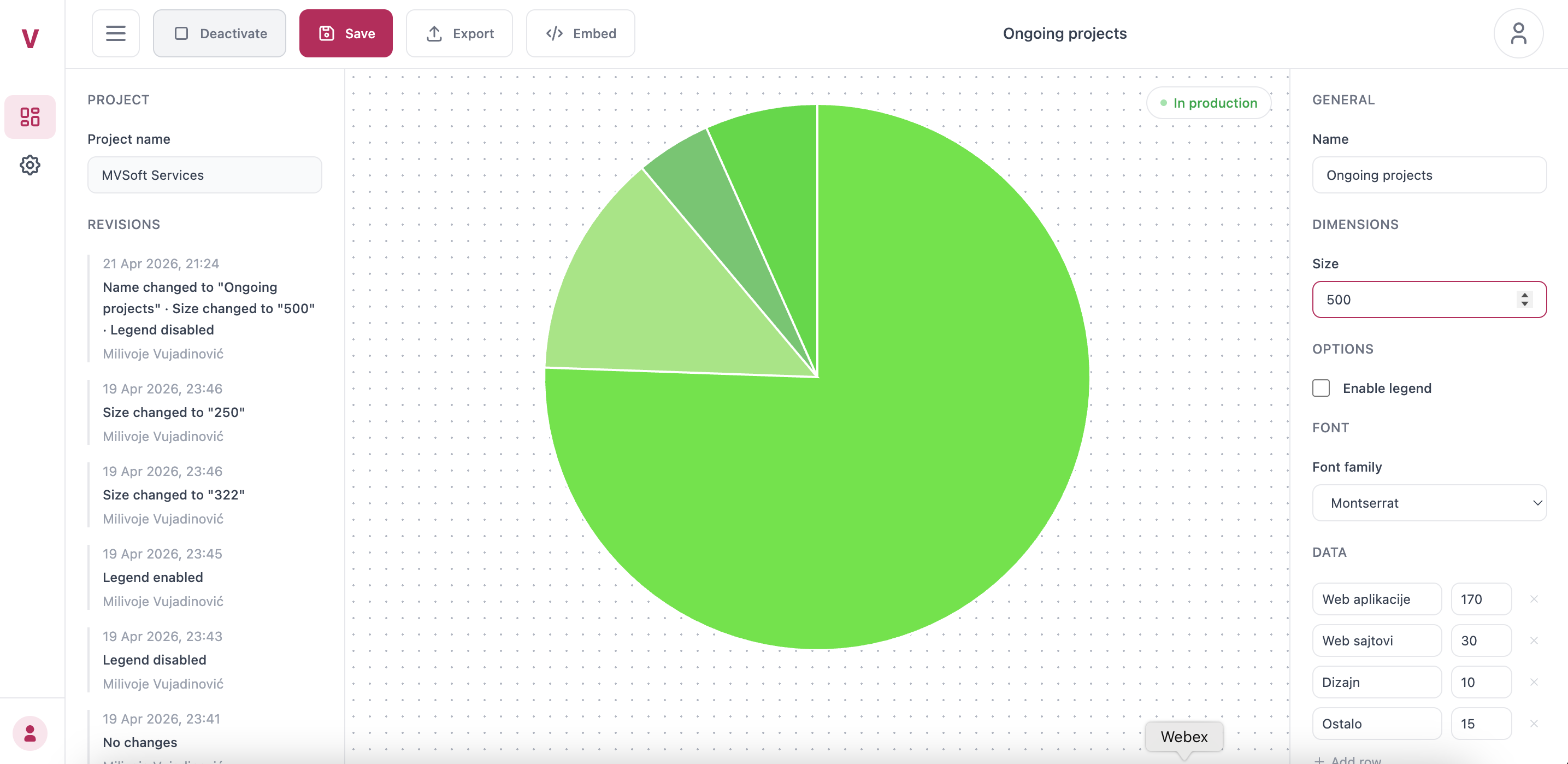
Use the editor to craft any chart — pie, bar, donut, line, and more. Pick colours, set fonts, tweak dimensions, and preview every change live. All the look & feel lives here, inside Vizzy, not inside your codebase.
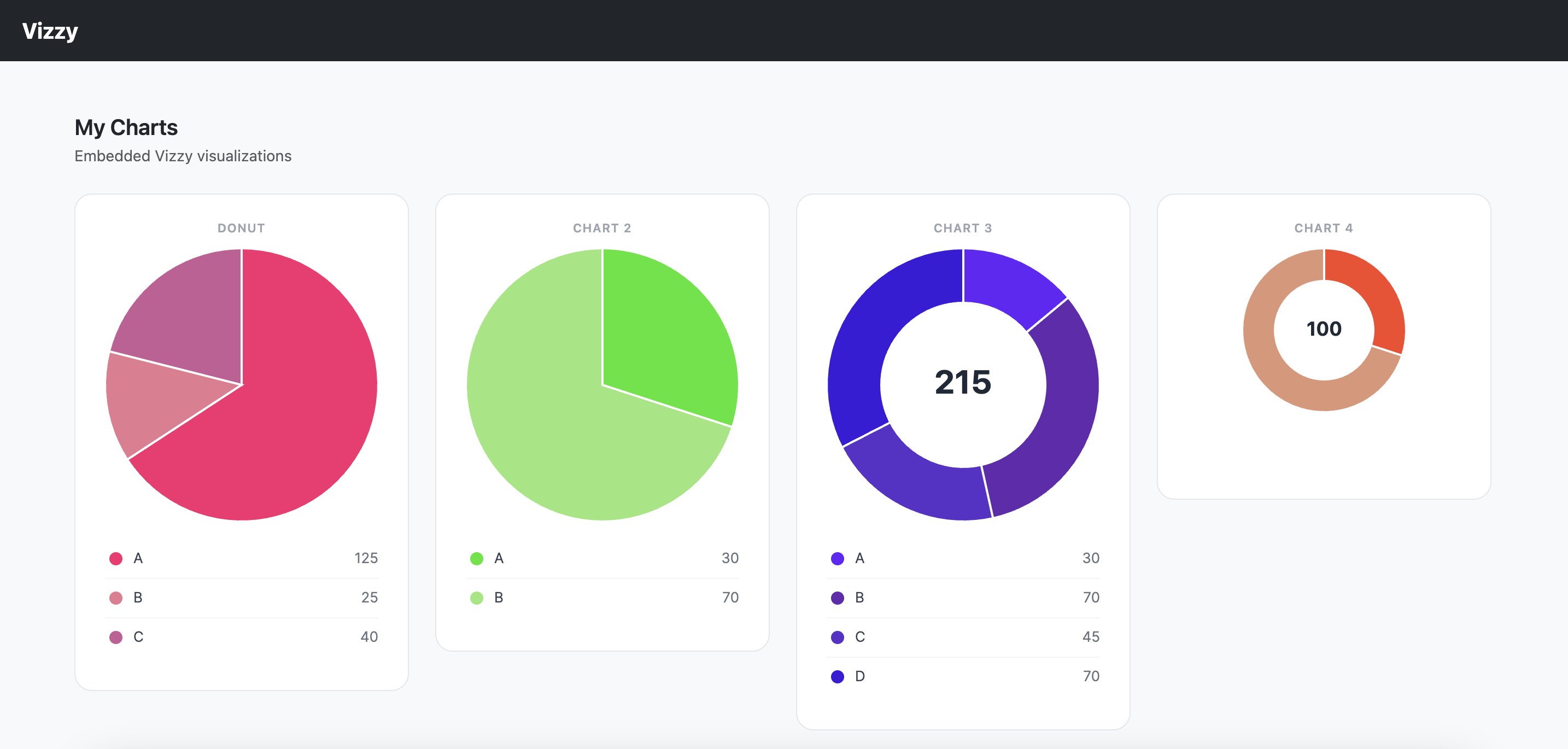
Drop Vizzy into any HTML page, React, Angular, or Vue app — no extra dependencies.
Step 1 — Include the script
Add this once to your page's <body>.
<script src="https://vizzy.online/lib/vizzy-1.min.js"></script>
Step 2 — Place the chart element
Drop this custom element wherever you want the chart to appear. Colours and size load automatically from your saved config.
Pass data inline via the data attribute to override the stored dataset:
<vizzy-pie
chart-id="2"
data='[{"name":"Category A","value":35},{"name":"Category B","value":25}]'
></vizzy-pie>
That's it. No build step, no npm install, no configuration files.
Join the beta, design your first visualization, and embed it in minutes.
Try Beta